Maximizing Battery Life and Security: Effective Tips for Mobile Device Optimization
Optimize Your Mobile Experience
In an age where smartphones serve as essential tools for communication, business, and entertainment, it is imperative to maximize their performance and security. Mobile devices manage a vast array of tasks, from social networking to banking, making their longevity and secure operation crucial in this digital era.
Several factors can significantly impact the overall performance of your mobile device. Understanding these elements can inspire strategic actions to enhance usability:
- Battery Usage: The intensity at which your battery drains can often be linked to background applications continuously operating, high screen brightness levels, and location tracking services. For instance, navigating with GPS can rapidly deplete battery life. Therefore, closing unused applications and reducing screen brightness can help conserve energy significantly.
- Security Risks: Engaging with public Wi-Fi networks, particularly in places like coffee shops or airports, exposes your device to potential hacking threats. Additionally, downloading apps from unverified sources or neglecting software updates can leave your phone vulnerable to malware attacks, putting your sensitive data at risk.
- Device Settings: Optimizing your device settings by disabling unnecessary features such as Bluetooth when not in use can noticeably enhance battery life and overall security. Regularly reviewing your privacy settings can also help ensure your personal information remains protected.
Implementing effective strategies can lead to improved functionality and security. Ponder the following measures:
- Regularly update your operating system and applications. Keeping everything up to date helps close vulnerabilities that cybercriminals exploit. For example, when a security update is released, it is often designed to remedy vulnerabilities that may have been discovered.
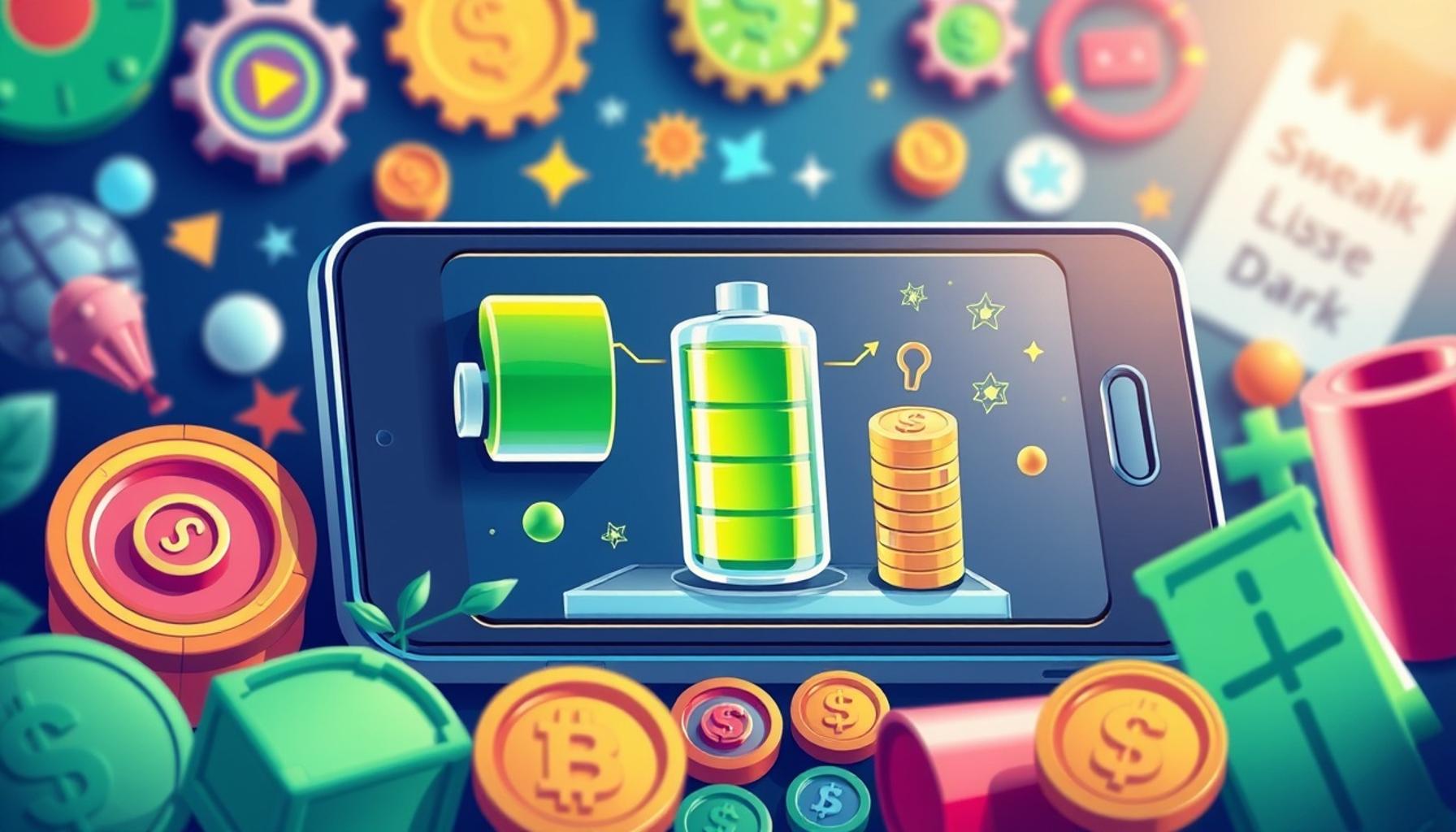
- Utilize battery saver modes during critical periods. When you find yourself in a situation where charging options are limited, enabling this feature can extend battery life by limiting background activity and reducing performance levels.
- Use VPN services to secure mobile connections, especially when connected to public Wi-Fi. Virtual Private Networks encrypt your internet traffic, providing a layer of security that prevents unauthorized access to your data.
Diving deeper into these areas offers more than just improved battery life; it also effectively shields your personal data from intrusive threats. The benefits of optimized mobile device performance extend beyond the immediate practicality of managing a single charge; they are vital in enhancing daily productivity and offering peace of mind in a world increasingly reliant on digital devices.
As you navigate your mobile journey, it becomes clearer how vital it is to stay informed and proactive. Empowering yourself with knowledge about device optimization equips you to tackle challenges head-on, ensuring that your device performs at its peak while safeguarding your information with vigilance.
Essential Steps for Battery Conservation
To truly maximize battery life on your mobile device, a thoughtful approach is required. Recognizing that the majority of us rely on our smartphones for both daily tasks and emergencies, implementing effective battery conservation strategies not only enhances day-to-day usability but also safeguards against sudden power shortages at inopportune moments. The following insights can help you unlock the full potential of your device’s battery:
- Background App Management: Many apps continue to run and update in the background, consuming precious battery life. Regularly checking which apps are using the most battery through your device settings allows you to close or limit these applications. For example, social media platforms often require constant updates, which may not be necessary when you are not actively using them.
- Screen Brightness and Timeout Settings: One of the most effective ways to save battery is to lower your screen brightness and set a shorter timeout duration. Research indicates that the display can account for up to 30% of battery consumption. Reducing brightness to a comfortable but subdued level and setting your device to automatically dim after a few seconds of inactivity can significantly extend your battery life.
- Location Services Optimization: Constant monitoring of your location can be a hidden drain on your battery. Apps like weather services or navigation tools regularly tap into location services, leading to excessive battery depletion. It is advisable to disable location services for apps that do not require them and to switch off GPS when it is not in use.
Strengthening Security Measures
As we embrace our mobile devices more fully, we inevitably expose ourselves to a variety of security risks—many of which can have significant consequences. Enhancing your device’s security posture is as crucial as optimizing its battery life. Consider the following tips to create a safer mobile environment:
- Install Trusted Security Apps: Utilizing reliable mobile security applications can provide an extra layer of defense against malware and other threats. Look for apps that offer features such as anti-virus protection, real-time scanning, and safe browsing tools. Make sure to periodically review and update these apps to keep pace with emerging threats.
- Enable Two-Factor Authentication: Wherever possible, activate two-factor authentication (2FA) for your accounts. This additional step verifies your identity through a secondary means, such as sending a unique code to your email or SMS, making unauthorized access significantly more challenging for potential cyber intruders.
- Be Cautious with Public Wi-Fi: While convenient for connecting on-the-go, public Wi-Fi networks are notorious for lacking adequate security. Avoid conducting sensitive transactions, such as online banking, when connected to these networks. Using a Virtual Private Network (VPN) can encrypt your data and shield you from prying eyes.
By diligently applying these strategies, users can enjoy a more robust and efficient mobile experience. The synergy between battery optimization and security not only enhances the functionality of your device but also fosters confidence in its reliability and safety in an unpredictable digital landscape.
| Advantage | Description |
|---|---|
| Enhanced Battery Management | Employing features such as battery saver modes and app restrictions can significantly prolong battery life by limiting background activity. |
| Improved Security Protocols | Utilizing security apps and frequent software updates ensures the latest protection against vulnerabilities and threats, securing user data effectively. |
| Efficient Power Usage | Adjusting settings such as screen brightness and app notifications can lead to a notable decrease in power consumption, optimizing usage during critical times. |
| Minimized Data Breaches | Implementing practices like using VPNs and secure passwords can reduce the likelihood of unauthorized access to personal information. |
As the demand for mobile devices rises, understanding how to maximize battery life and enhance security becomes ever more crucial for users. By focusing on these aspects, individuals can better enjoy their devices while safeguarding their personal information. Furthermore, being proactive with device settings not only ensures longevity but encourages a more secure digital lifestyle. Exploring these practical tips can be an enriching journey toward mastering mobile optimization.
Advanced Mobile Device Management Tips
To further enhance the longevity of your mobile device’s battery life and fortify its security, it’s essential to embrace some advanced device management strategies. These methods will not only optimize your user experience but also create a more resilient mobile environment. Delve into the following recommendations for a more effective approach:
- Software Updates: Keeping your device’s operating system and applications up-to-date is crucial for security and performance. Manufacturers often release patches to fix bugs, enhance features, and improve battery efficiency. Ensure your mobile device is set to automatically download and install updates or regularly check for them manually to stay ahead of potential vulnerabilities.
- Battery-Saving Modes: Most modern smartphones come equipped with battery-saving modes that can significantly extend usage between charges. Familiarize yourself with these settings, as they typically adjust background data usage, decrease screen brightness, and limit non-essential app functionalities. Activating these features when you anticipate extended use without charging can help you avoid the dreaded low-battery outages.
- Manage Connectivity Options: Wireless communication consumes an unnecessary amount of battery when not managed effectively. Consider turning off Wi-Fi, Bluetooth, and mobile data when they are not in use. Utilizing Airplane Mode in situations where you cannot access a charger can further conserve battery—particularly during flights or periods of inactivity.
- Review App Permissions: Heightened security often begins with the permissions granted to applications. Frequently assess the permissions of your installed apps to ensure they don’t have access to functions they don’t require. For instance, a simple game shouldn’t need access to your contacts or location data. Limiting these permissions reduces potential vulnerabilities and can often enhance device performance.
Utilizing Built-in Security Features
Many mobile devices are equipped with intrinsic security features that, when leveraged correctly, can provide robust protection against potential threats. Understanding and utilizing these built-in options can drastically enhance your overall mobile security posture:
- Biometric Authentication: Most smartphones now include biometric features such as fingerprint readers or facial recognition. These methods add an extra layer of security to your device, making it significantly more challenging for unauthorized users to gain access. Enable these features in your device’s settings for enhanced security protection.
- Find My Device and Remote Wipe: Embracing features like “Find My Device” (available on both iOS and Android) can help you locate a lost or stolen phone. Additionally, these features often allow you to remotely lock or wipe your device, thus safeguarding your personal information from falling into the wrong hands. Make sure these options are activated to stay secure even if your device is lost.
- Encrypted Storage: Utilizing built-in encryption tools enhances the security of sensitive data stored on your device. When enabled, data interception becomes significantly more difficult for cybercriminals. Many devices come with encryption options that can be found within the security settings, offering users peace of mind about their information safety.
By embracing these advanced management tips and utilizing your device’s built-in security features, you can achieve optimal battery life while securing your mobile experience. The combination of proactive device management and robust security measures will ultimately ensure that your mobile device serves you efficiently and safely, providing reliable connectivity and access to vital information in today’s fast-paced digital landscape.
Conclusion: Embracing Efficient Device Management for Longevity and Security
In an era where mobile devices are integral to our daily lives, optimizing their battery life and security is more crucial than ever. By implementing the strategies discussed in this article, users can enjoy prolonged usage time and enhanced protection against cyber threats. Regular software updates are essential, ensuring not only improved battery efficiency but also crucial security patches that protect personal information. Utilizing battery-saving modes and diligently managing connectivity options can help users avoid unexpected outages while maximizing performance.
Moreover, taking advantage of built-in security features like biometric authentication and encrypted storage can fortify personal data against unauthorized access. Engaging actively in reviewing app permissions and enabling remote wipe features reflect a proactive approach in maintaining a secure mobile environment. These practices are not just about responding to immediate needs; they create a sustainable framework that balances functionality with safety.
As technology continues to evolve, so do the risks associated with mobile device usage. Therefore, a commitment to continuously optimizing battery life and security is paramount. By seeking out new tips and staying informed, users can ensure that their devices remain effective tools in the fast-paced digital landscape, empowering them to stay connected and informed without compromising security or draining their battery too quickly. Ultimately, embracing these habits today sets the foundation for a resilient mobile experience tomorrow.